Why placement matters before the press starts
Two garments can use the same artwork and still look very different once the print is placed. A small left chest mark suits staff wear and school teams, while a full back print is better for events, sponsors and larger group names. The wrong position can crowd seams, sit too low on the body or clash with zips, pockets and seam lines.
At Brand-On Screen Printing we check placement before production so the artwork fits the garment and the job quantity. That matters for repeat orders too, because a club shirt ordered again next term should sit in the same position as the last run. It also helps keep costs clear, since larger print areas and extra colours usually affect setup and printing time.
- Match the placement to the purpose of the garment
- Check for seams, pockets, zips and hood drawcords
- Confirm if the same position will be used on repeat orders
- Allow for larger print areas on hoodies and oversized items
Front print options that work well on everyday wear
Front placement is the first thing people see, so it needs to be clear without overpowering the garment. The most common choices are a left chest logo, a centre chest logo or text line, and a full front design for stronger branding. Left chest prints work well for schools, clubs and trade crews because they stay neat on shirts, golf shirts and jackets.
For front placement we look at neckline depth, garment width and whether the item is fitted or relaxed. A centre chest print may sit higher on a hoodie than on a T-shirt, and a logo that looks balanced on an adult medium can feel too low on a youth size. If you are printing for a mixed group, ask for a size check before approval.
- Left chest: neat, practical and good for uniforms
- Centre chest: better for names, slogans and event wear
- Full front: stronger impact but needs more space
- Keep clear of collars, buttons and pocket edges
Back prints for teams, sponsors and event visibility
Back prints are useful when the name must be read from a distance. Sports kits, crew shirts and festival garments often use a large centre back print, with a line of sponsor names below or above the main artwork. A back print can also balance a small front logo if you want branding on both sides without making the shirt feel busy.
Placement on the back needs a bit of care on hoodies and jackets because the hood seam or panel join can interrupt the print zone. On T-shirts the main issue is height, since a print that sits too low can be covered by a waistband or bag strap. If the garment is for working outdoors in the Kouga heat or windy coastal conditions, a clean back mark is usually easier to read than a small detailed design.
- Use back prints for names, numbers and sponsor details
- Check the top edge clears the collar seam
- Keep text large enough for viewing from a distance
- Ask if the artwork needs to be reduced for small sizes
Sleeve prints and where they make sense
Sleeve printing is handy when you want extra detail without filling the whole shirt. It suits club names, event dates, small logos and service marks. On long sleeves, the print can run down the arm and stay visible when the garment is worn outdoors. On short sleeves, a smaller sleeve mark gives a tidy finish but should not sit too close to the hem.
Not every design suits the sleeve. Thin lettering can disappear once the arm bends, and a heavy print on a narrow sleeve can feel crowded. When we review sleeve placement, we also check whether the garment will be folded and bagged, because a sleeve print can be hidden if the item is packed badly. That is important for bulk orders going to Humansdorp, St Francis Bay or Gqeberha for distribution.
- Best for small logos, dates and secondary branding
- Check arm movement and fold lines before approval
- Works well on team kit and event clothing
- Keep away from cuffs and seam joins where possible
How to approve artwork with the right placement
Before a job starts, it helps to approve the artwork in the exact position you want. That means checking the print size, the distance from the collar, the alignment to centre and whether the front and back match each other. If the design includes more than one print location, ask for each position to be shown separately so nothing is missed.
Our artwork team can prepare the layout, confirm colour matching and arrange a sample strike-off where needed. That is useful for schools, clubs and repeat corporate orders because it gives you a real check before the full batch is printed. If a change is needed, it is easier to adjust a layout on paper than to correct a full run after printing has started.
- Confirm the size of each print area
- Check the placement on the actual garment type
- Approve front, back and sleeve positions separately
- Request a sample strike-off for larger or mixed orders
Practical checklist for your next order
When you are placing an order, use a simple checklist so the final result is what you expected. Small details like a neckline shift, a missing sleeve note or the wrong back height can change the look of the whole job. This is especially useful for schools and clubs where the same design may be printed across different sizes, styles and colours.
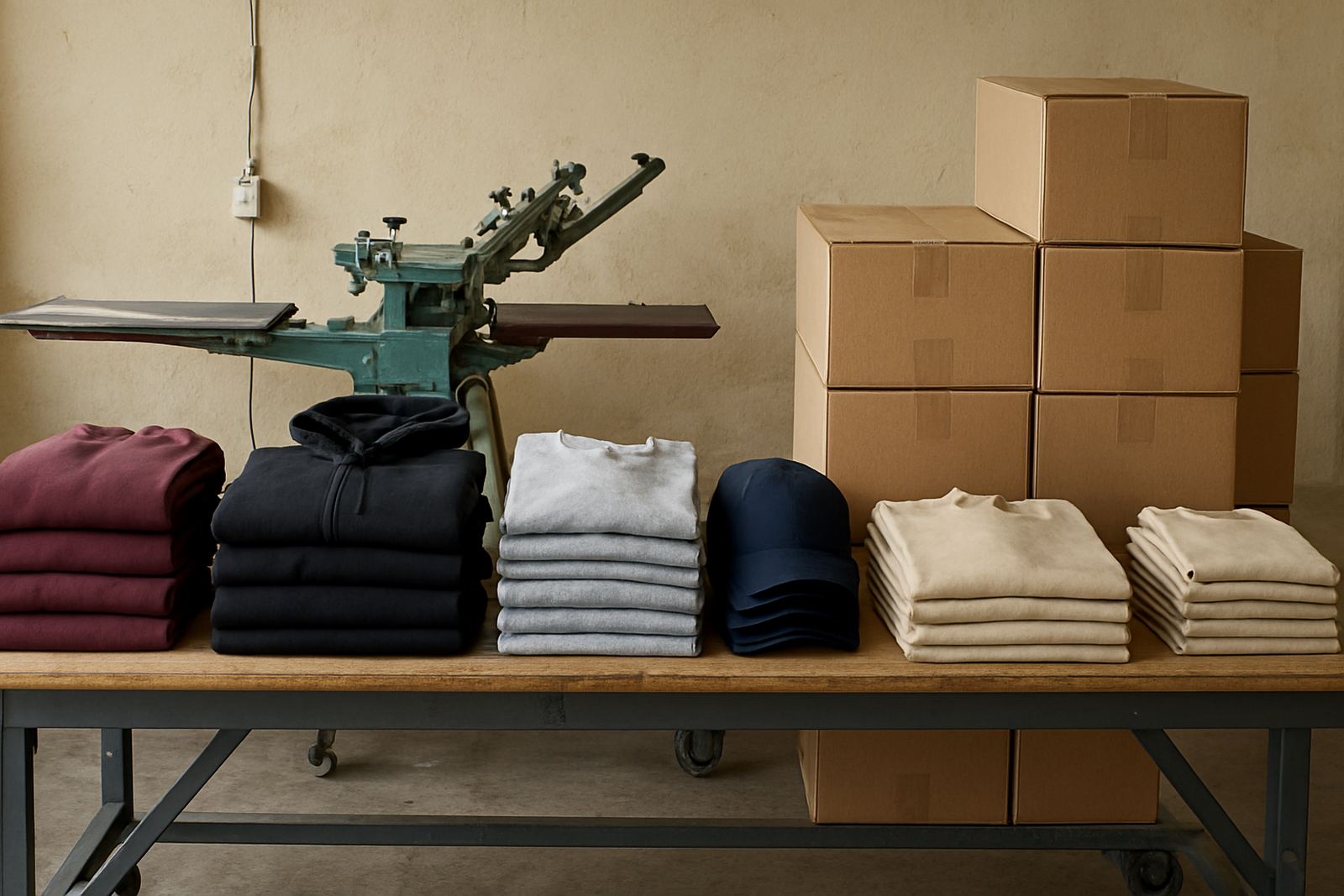
For Jeffreys Bay and the surrounding Kouga area, practical planning also helps when orders are split across several towns or delivered in stages. If the clothing will be stored for a while before use, folding and bagging can keep the print clean and sorted by size. For larger runs, repeat order support makes it easier to reprint the same placement later without starting from scratch.
- Garment type confirmed: T-shirt, hoodie, cap or jacket
- Print position confirmed: front, back, sleeve or neck label
- Artwork approved: size, colour and wording checked
- Packaging confirmed: folded, bagged and bulk packed if needed
- Repeat details saved for future orders